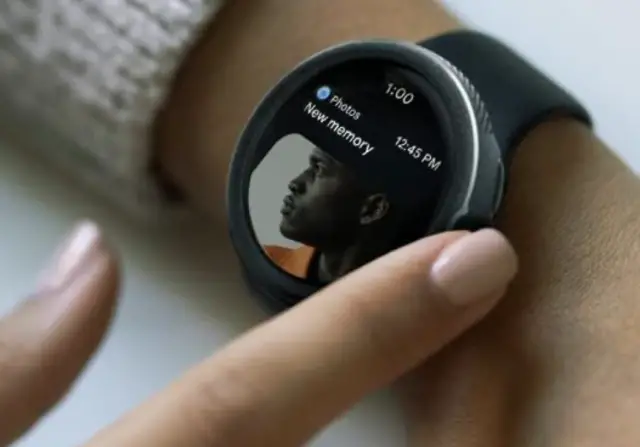
The Pixel Watch 2, a smartwatch created by Google, is a convenient tool for managing daily activities, monitoring fitness goals, and staying connected while on the move. However, situations may arise where you need to reset it for various reasons. Resetting your Pixel Watch 2 is a simple process, and we will guide you through it step by step.
Before diving into the reset process, it is crucial to understand why you might need to reset your Pixel Watch 2:
– Troubleshooting: If you encounter issues like freezing or connectivity problems, a reset can help resolve these issues.
– Selling or Giving Away: Resetting ensures that your data is wiped clean before passing on your Pixel Watch 2, protecting your privacy.
– Starting Fresh: Sometimes, you might want to clear all settings and configurations to start anew with your Pixel Watch 2.
To reset your Pixel Watch 2, follow these steps:
**Before We Begin**
Before initiating the reset, consider backing up any important data such as fitness activities, app preferences, or custom watch faces. While the reset process typically does not erase data on your connected phone, having a backup is always a good precaution.
**Step-by-Step Guide to Resetting Your Pixel Watch 2**
1. From your Pixel Watch 2:
– Access Settings by swiping down on the home screen or from the app drawer.
– Navigate to System settings and select “Disconnect and Reset” to proceed.
2. From your Pixel Watch App:
– Go to your app library and search for the “Pixel Watch App.”
– Open the app, go to Settings, then select “Connected Devices.”
– Choose your watch and then select “Forget Watch.”
– Restart your phone afterwards.
**Optional**
If you backed up data earlier, you can now restore it to your Pixel Watch 2 by following the instructions provided by the respective apps or services.
Congratulations! You have successfully reset your Pixel Watch 2, and it is now ready for use. Whether you were troubleshooting issues, preparing to sell or give away the device, or simply seeking a fresh start, resetting your Pixel Watch 2 is a straightforward process that can address various needs.